From the 2025/2026 academic year, the student ID has become the primary document confirming the student status. It is no longer necessary to carry a plastic ID to enjoy student discounts or to prove your eligibility. All you need is a smartphone with the mObywatel app and the activation data received from the university. How to obtain mLegitimation, where to find the required QR code and what to do if the document stops working?
The student ID is free and has the same legal validity as a traditional ELS ID.
From the 2025/2026 academic year, this is the primary form of identification for students holding a PESEL number.
To activate it, you need the mObywatel app, a QR code, and an activation code from the university.
You can show the document during ticket checks and when using student discounts.
The validity of the mLegitimation is confirmed for subsequent semesters using an electronic certificate.
You can still receive a plastic student ID card if złyou apply for it at the university.
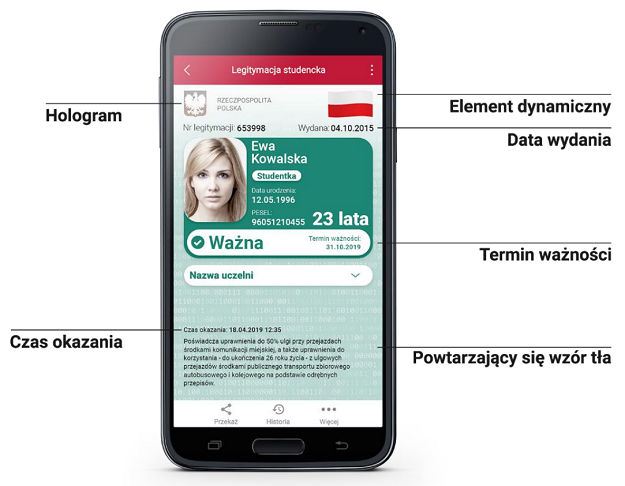
The student ID is a digital document available in the mObywatel app. It contains the student's identification data, information about the university, and confirmation of the validity of the ID.
Its biggest advantage is convenience. Instead of carrying a plastic card with you, you can display the document on the phone screen. Importantly, The ID card is a full-fledged document, a physical copy of the traditional ID card, and not just an electronic copy.
You can use it, among other things, to:
confirmation of student status at the university,
the use of discounts for rail travel and public transport,
receiving discounts in cinemas, museums and cultural institutions,
confirmation of authorisations during ticket checks,
the use of selected university services, e.g. libraries.
However, it should be remembered that possessing a valid ID card does not always mean the right to receive every discount. For example, the statutory student discount for rail travel is valid until the age of 26. In urban transport, the rules may vary depending on the city.
The digital ID card is intended for university students. It can be used by people who are:
first-degree studies, i.e., bachelor's or engineering degrees,
second-degree studies, i.e., master's degrees,
unified master's studies.
From the 2025/2026 academic year, universities are required to issue a mLegitmacja to students holding a PESEL number. This applies to both those starting their first year and students continuing their studies.
What about foreign students? For people without a PESEL number, the university issues a student ID in the form of a physical ELS card.
It is also worth knowing that the student ID is not intended for doctoral students or participants in postgraduate studies. These are separate groups that are subject to different rules for documenting their status.
Activation of the document does not require a visit to the office. You can perform most of the actions yourself using your phone and the university's online system.
First, download the free mObywatel app from the Google Play or App Store.
If you are using it for the first time, you need to go through the activation process and confirm your identity. You can use the available authentication methods, such as a trusted profile or e-banking.
If you already have the app active, go to the next step.
To add mLegitimation you need two elements:
QR Code – allows you to download the document data.
Activation code – confirms the entitlement to activate the identity card.
Where can I find them?
It depends on the university. Most often, the codes are available in:
USOSweb,
the Mobilny USOS application,
the virtual deanery,
another university system for student support.
In some cases, you need to pre-order the mLegitimation in the university system.
Remember that activation data have a limited validity period. If the code expires, it will be necessary to obtain a new set in accordance with the university's instructions.
After receiving the codes, perform the following actions:
Launch the mObywatel app.
Log in to the application.
Select the „Add document” option.
Find your student ID card on the list.
Scan the QR code received from the university.
Enter the activation code.
Confirm the document addition.
After the process is completed, the legitimacy should appear among your documents.
If an error message appears, check the internet connection, the validity of the codes, and whether the credentials have already been prepared by the university.
After activation, it is worth opening the document immediately and making sure that all the information is correct.
First of all, check:
name and surname,
photo,
the name of the university,
identity card number,
the term of validity of the document.
In the case of incorrect data, you should contact the university, as it is responsible for the information submitted to the system.
Yes. From the 2025/2026 academic year, the mLegitmacja is a standalone document, which means that you do not need to create a plastic ELS card beforehand.
However, this does not mean that traditional credentials have completely disappeared. They can still be obtained upon the student's request.
Both forms of document have the same legal validity, but differ in the way they are used.
| Student ID card | Plastic ELS ID card |
|---|---|
| Available in the mObywatel app | Physical card with a chip |
| Published free of charge | May require a fee |
| It uses an electronic certificate | Validity confirmed by the chip and hologram |
| Does not require stickers | Requires a current hologram |
| All you need is a phone | You need to have the card with you |
From July 13, 2026, universities will also use a new model of the physical ELS ID card. However, this does not mean that all previously issued cards need to be replaced. Existing ID cards remain valid according to the rules set forth in the regulations.
The validity of the mLegitimation is confirmed for subsequent semesters using an electronic student certificate.
You don't need to stick any holograms or update the physical card.
However, it is worth regularly checking the expiration date displayed in the application. The method of renewing the certificate depends on the procedures in effect at the particular university. In certain cases, it is necessary to obtain the QR code again and activate the document.
What about the validity of the ID after completing studies?
Upon completion of the first-cycle studies, the certificate remains valid until October 31 of the year of completion of the studies.
Upon completion of the second-cycle or integrated master's degree studies, the right to use the credential ceases upon completion of the studies.
In the event of being removed from the student list or having the student rights suspended, the ID will become invalid in accordance with the applicable regulations.
It is worth remembering that the physical possession of a student card does not automatically mean the right to benefit from discounts after losing the student status.
Yes. After properly adding the document to the application, you can display mLegitimation even without internet access.
This is especially useful when traveling by train, bus, or in places with poor coverage.
However, connection to the internet will be required for some activities, such as:
first activation of the document,
updating of data or certificate,
cryptographic verification of the document using a QR code.
During the check, you must present the document directly in the application. A screenshot does not replace a valid ID, Because it does not allow for the proper verification of all safeguards.
Problems with digital credentials may occur during the first activation, certificate update, or phone change.
In most cases, the solution is not complicated.
Check whether you are using the current version of mObywatel. Then make sure that the university has provided you with the activation data.
If the document is still not available, contact the dean’s office.
The reason could be the expiration of the code or a problem with preparing the document in the university system.
In that case, log back into USOSweb or the virtual deanery and see if you can generate new activation data.
If the document certificate has expired, it may be necessary to reactivate the mLegitimation.
Check the notifications in the app and the university's communications. If necessary, obtain a new QR code.
The digital ID is assigned to a specific device. Therefore, transferring it to a new smartphone may require canceling the previous document and activating it from scratch.
If you do not have access to the old phone, contact the university and ask for instructions on how to reissue the document.
The introduction of mLegitimation changed the way student status was confirmed, but it did not eliminate the physical ELS badges.
In the case of a digital document, its validity is confirmed electronically. So you don’t need a traditional sticker.
The situation is different in the case of a plastic student ID card. Its validity is confirmed every semester by updating the data recorded in the chip and placing the appropriate hologram.
The official holograms used at ELS are strict accounting documents, and their placement on the ID card is carried out as part of a procedure conducted by the university.
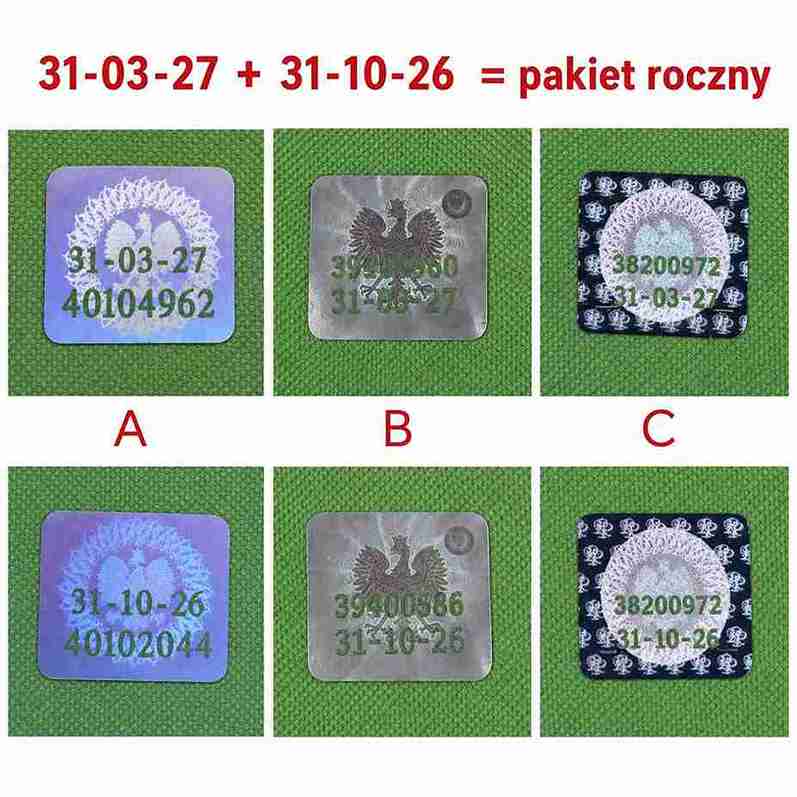
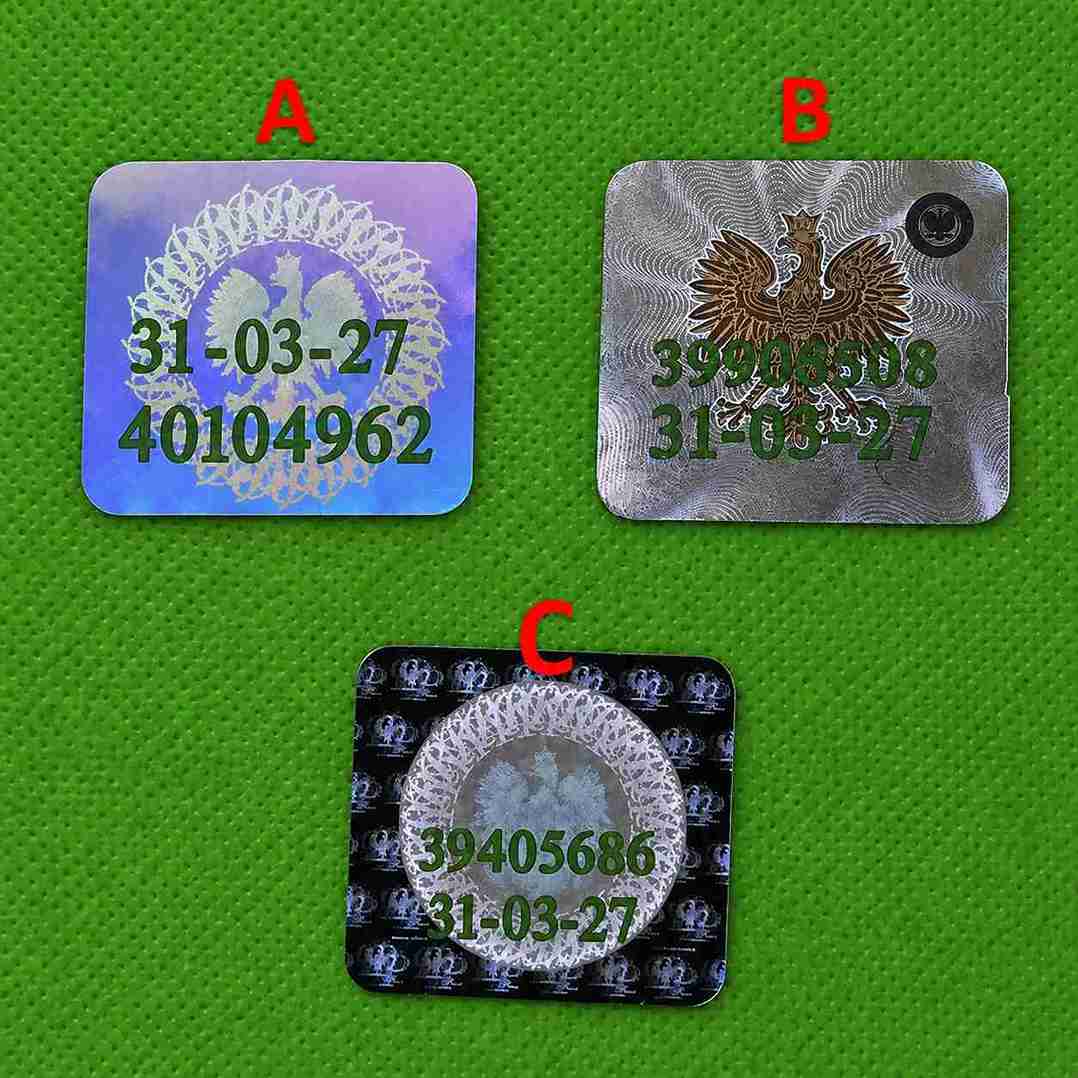
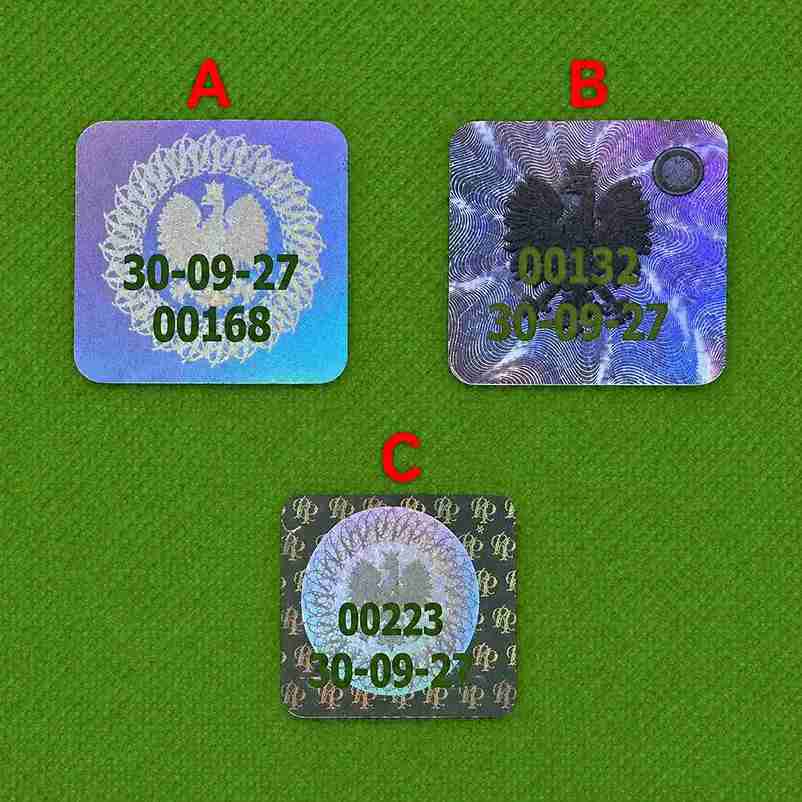
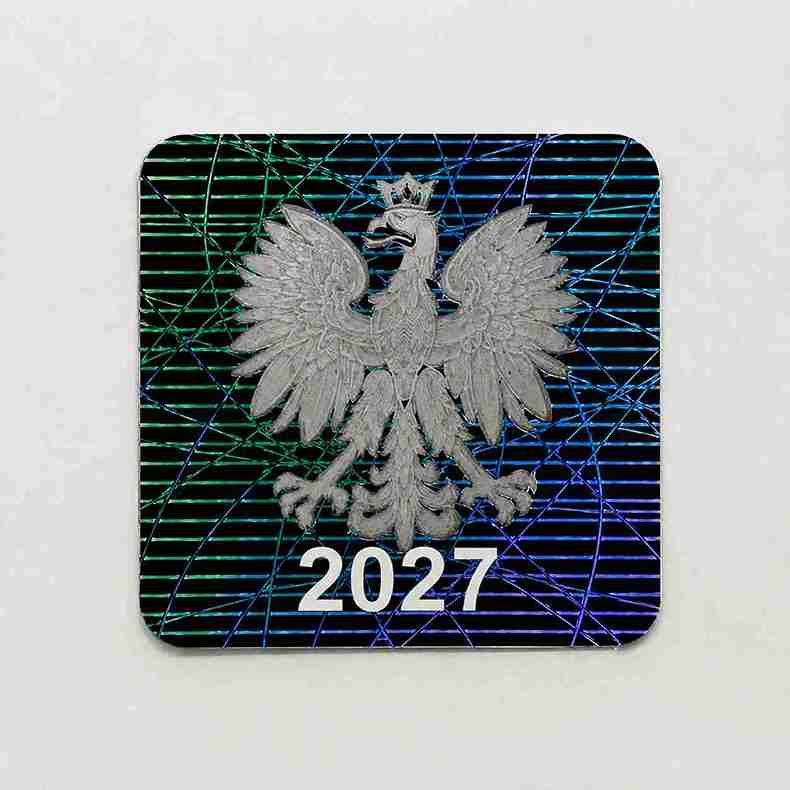
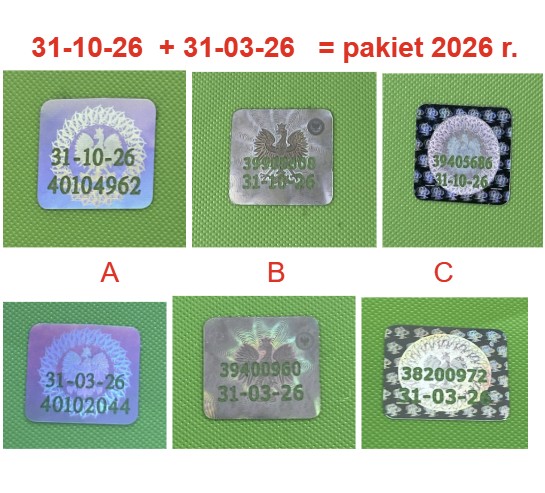
The market also offers Student holograms in collector's editions, They cover various years and patterns of stickers. They are intended for collecting purposes and do not constitute confirmation of the validity of the document or student credentials.
Yes. Issuing a student ID is free of charge. You do not have to pay additional fees for using the document itself in the mObywatel application.
Yes. You can use both forms of document. If you have a mLegitimation, you can also złapply for a traditional ELS card.
Most often, the QR code is made available in the USOSweb system or in the virtual deanery. The exact location depends on the university. In case of any problems, it is best to contact the deanery.
Yes. The valid ID confirms the student status and can be used during ticket checks. However, students are entitled to the statutory student discount on trains until they turn 26.
Yes. The document can be viewed without an internet connection if it was previously properly activated. However, some verification and update functions require access to the network.
Upon completion of a second-degree or unified master's degree, the certificate loses its validity in accordance with the regulations regarding the completion of studies. Other rules apply to graduates of first-degree studies whose certificate may remain valid until October 31 of the year of completion of studies.
No. The student ID is assigned to one device. If you want to use it on a new phone, you will need to complete the appropriate reactivation procedure.
You must obtain a new code through the university system or the dean's office. Inaccurate activation data will not allow the document to be added correctly.
Yes, the validity of the document is confirmed for subsequent semesters using the student certificate. The method of updating depends on the university and the system used.
If you have any questions about our products or need help choosing the right solution, please contact us. We are at your disposal by phone, email, and via the contact form.

The Hologramykolekcjonerskie24.com editorial team has been specializing in the topic for over 10 years. collectible holograms and patterns related to educational documents. We are preparing practical guides on ELS student holograms, doctoral ELDs and school-based ones, and their dates, variants, safeguards, and histories.
The published content is based on reliable sources regarding the Polish education system, applicable legal regulations, regulations of the relevant ministries, and official information provided by universities, schools, and public institutions. We regularly update the materials to reflect changes in regulations, document templates, and policies applicable in Polish education.
The website is informational and collector-oriented and is not affiliated with any university, school, ministry, or other public institution.